
생활코딩 node.js 강의 정리
1. form
누구나 데이터를 전송함으로써 콘텐츠를 생성, 수정, 삭제할 수 있게 해 보자.
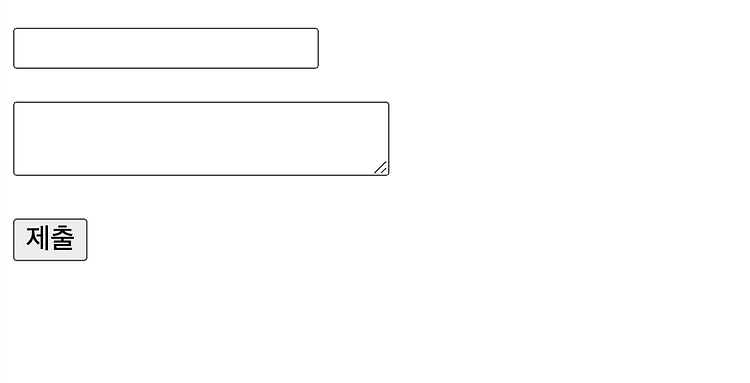
그러기 위해 사용자는 서버로 데이터를 전송하기 위해서 Html의 <form> 태그를 사용한다.
<form action="http://localhost:3000/create_process">
    <p><input type="text" name="title" placeholder="title"></p>
    <p>
        <textarea name="description" placeholder="description"></textarea>
    </p>
    <p>
        <input type="submit">
    </p>
</form>
Code language: HTML, XML (xml)
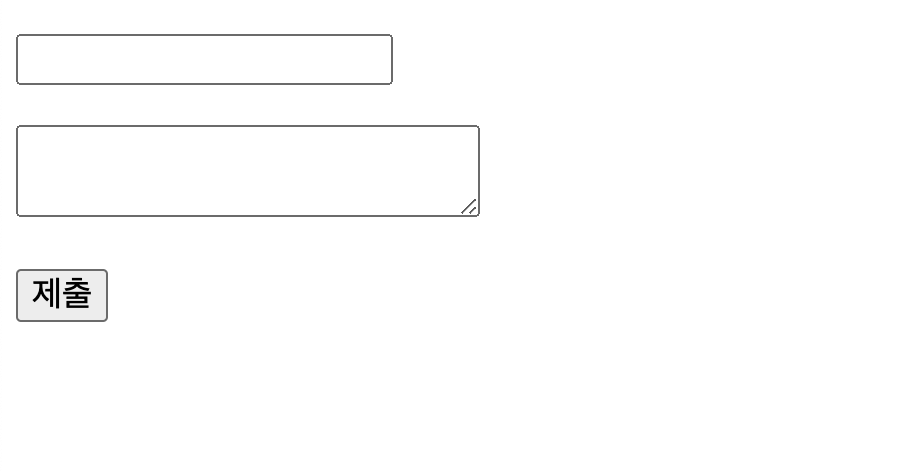
위와 같은 form을 작성하면 된다.
<form action="http://localhost:3000/porcess_create">
:<form>태그의action속성은 데이터(form data)를 보낼 때 해당 데이터가 도착할 URL 명시<textarea>: 여러 줄의 데이터를 입력받고자 할 때 사용<input type="submit">: 웹 서버로 데이터를 전송하는 버튼name = "...": 전달하는 데이터들의 이름placeholder = "...": 입력할 정보에 대한 힌트
출처 : http://www.tcpschool.com/html-tag-attrs/form-action
가. input tag type
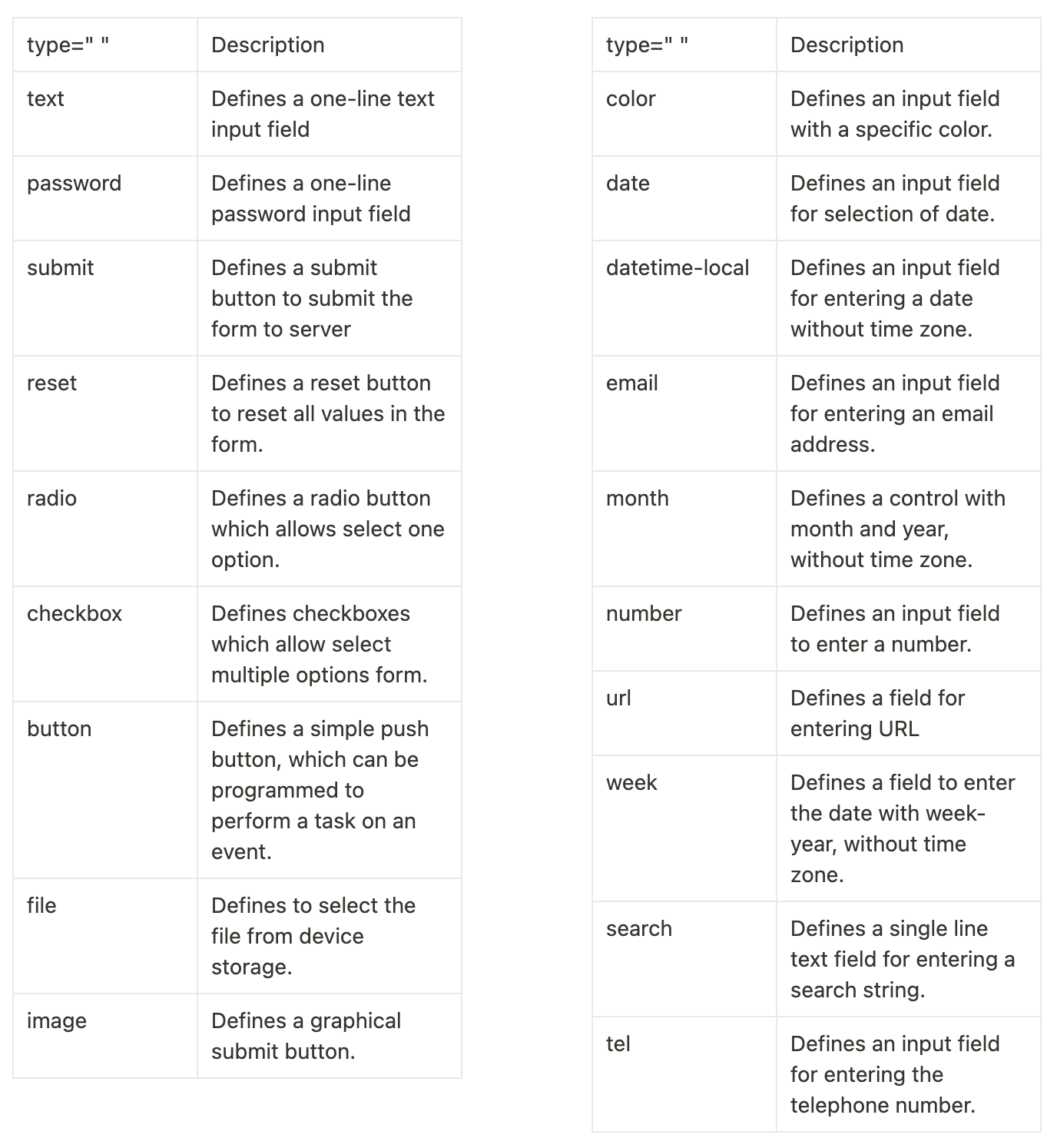
우측은 HTML5부터 추가된 input tag의 type이다.
출처 : TML Form Input Types – javatpoint
2. method = “post”
<form action="http://localhost:3000/create_process">
    <p><input type="text" name="title" placeholder="title"></p>
    <p>
        <textarea name="description" placeholder="description"></textarea>
    </p>
    <p>
        <input type="submit">
    </p>
</form>
Code language: HTML, XML (xml)
문제가 있다.
이대로 버튼을 누르면 전송하는 모든 데이터가 url에 노출된다.
눈에 보이지 않는 방식으로 전달할 필요가 있다.
<form action="http://localhost:3000/create_process" method="post">
    <p><input type="text" name="title" placeholder="title"></p>
    <p>
        <textarea name="description" placeholder="description"></textarea>
    </p>
    <p>
        <input type="submit">
    </p>
</form>
Code language: HTML, XML (xml)
<form> tag의 method를 post로 설정하면 해결할 수 있다.
따로 설정하지 않으면 default 값으로 get이 설정된다.
get보다는 post로 할 때 더 큰 데이터를 보낼 수 있고, 보이지 않게 보낼 수 있다.
(get은 url의 길이가 3000 characters로 제한된다.)
get은 보통 서버에게 Resource를 보내도록 요청하는 데 사용
이는 아마 http method와 관련 있어 보인다.
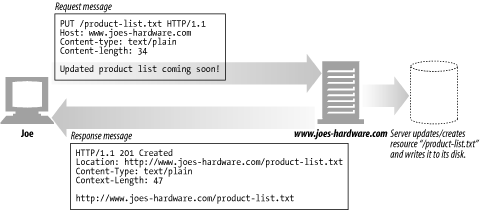
아래는 http method에 관하여 정리한 블로그 포스팅이다. 읽어보자.